Scene 1 of 7: Welcome
Read-only by design · Built for Windows 11
Markdown files deserve a reader of their own.
Njamr opens any .md file and renders it beautifully—without an editor in the way, without sending it anywhere, and without ever changing a byte.
Get it fromMicrosoft StoreDesigned for Windows 11 · 7-day free trial · US$6.99 one-time
- No accounts
- No telemetry
- No subscriptions
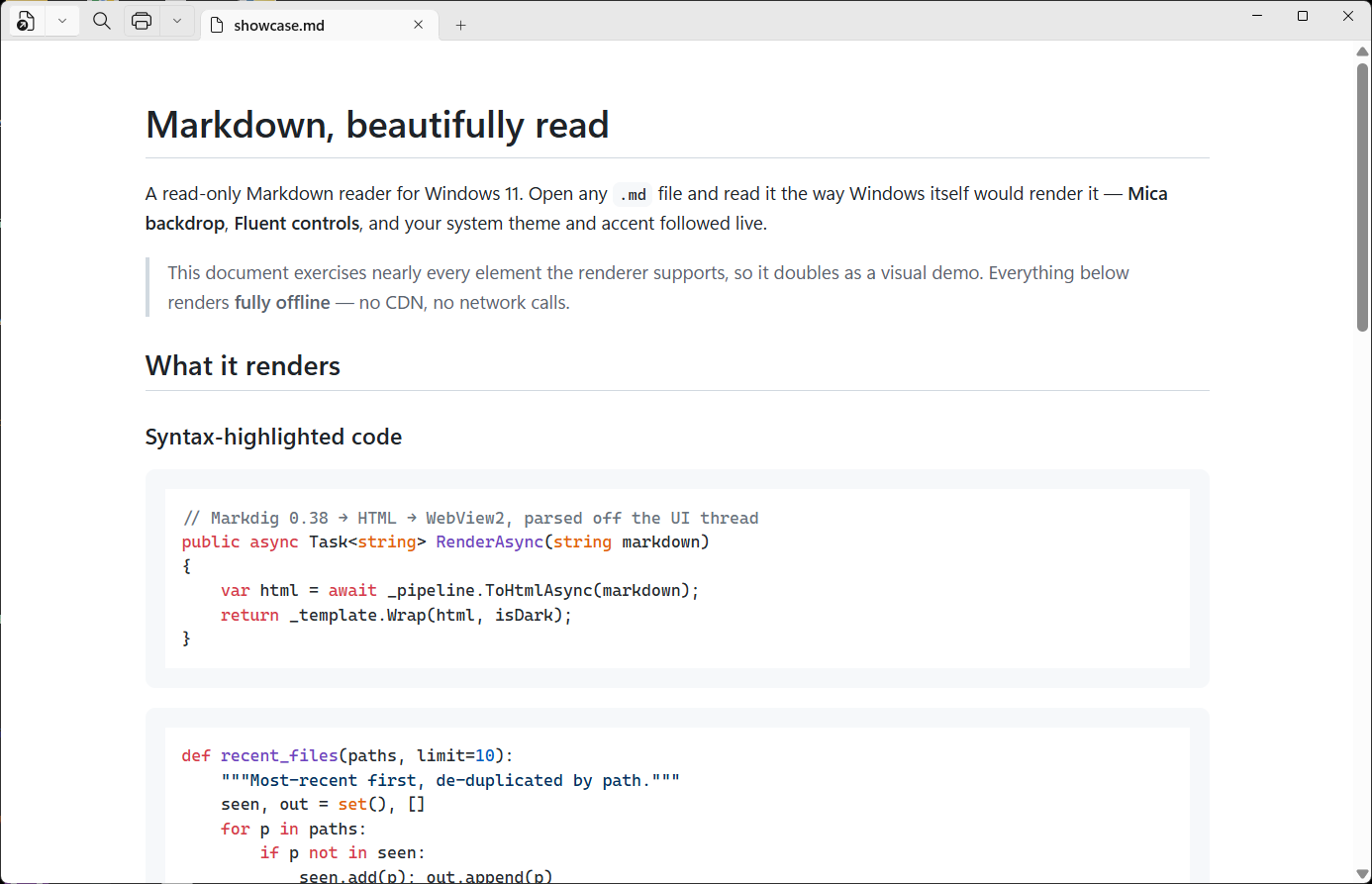
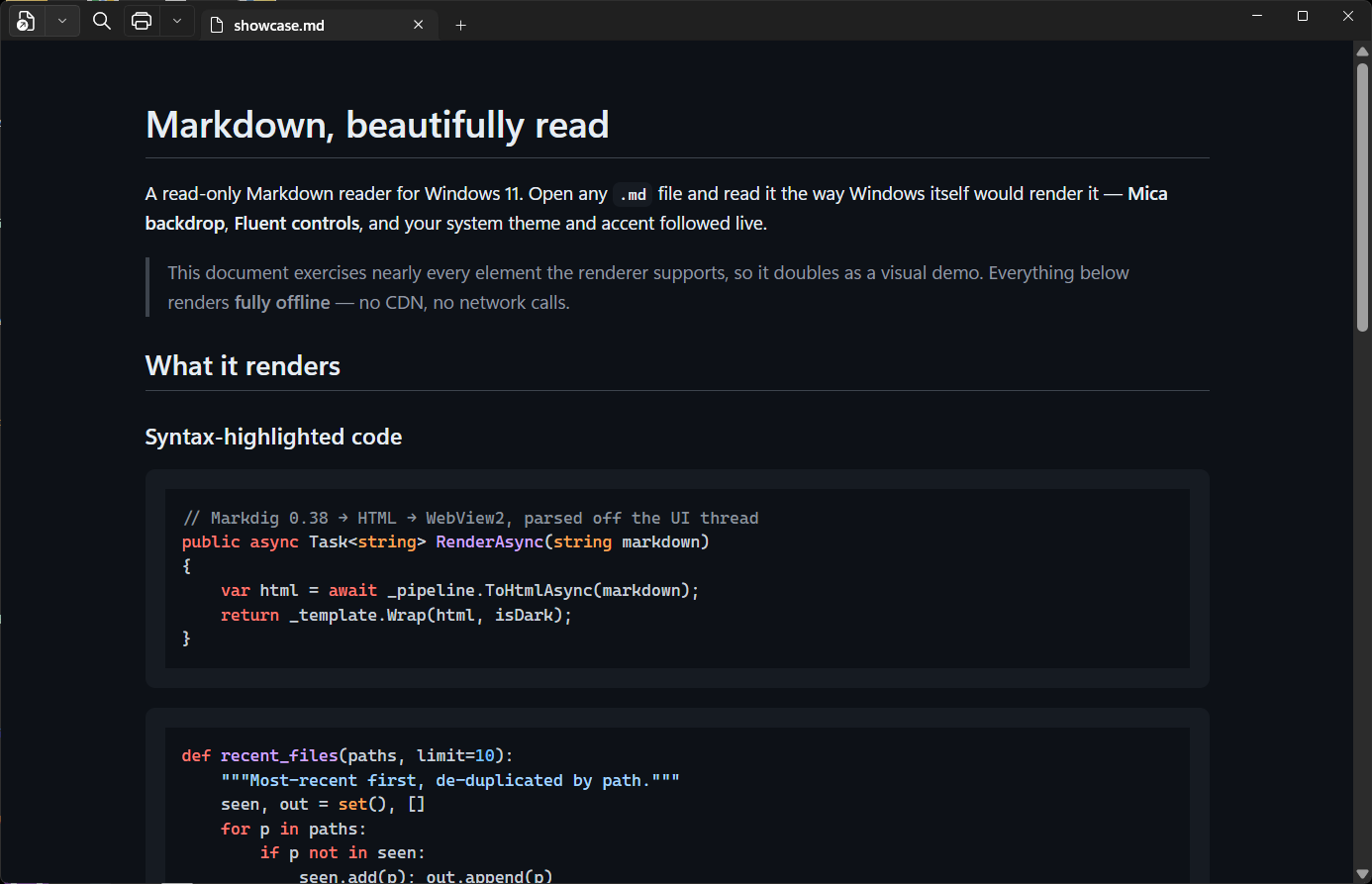
Full-fidelity rendering
Everything Markdown can say, rendered properly.
Tables, task lists, footnotes, code, math, diagrams, images, and more—all configured for you.
01 · Code
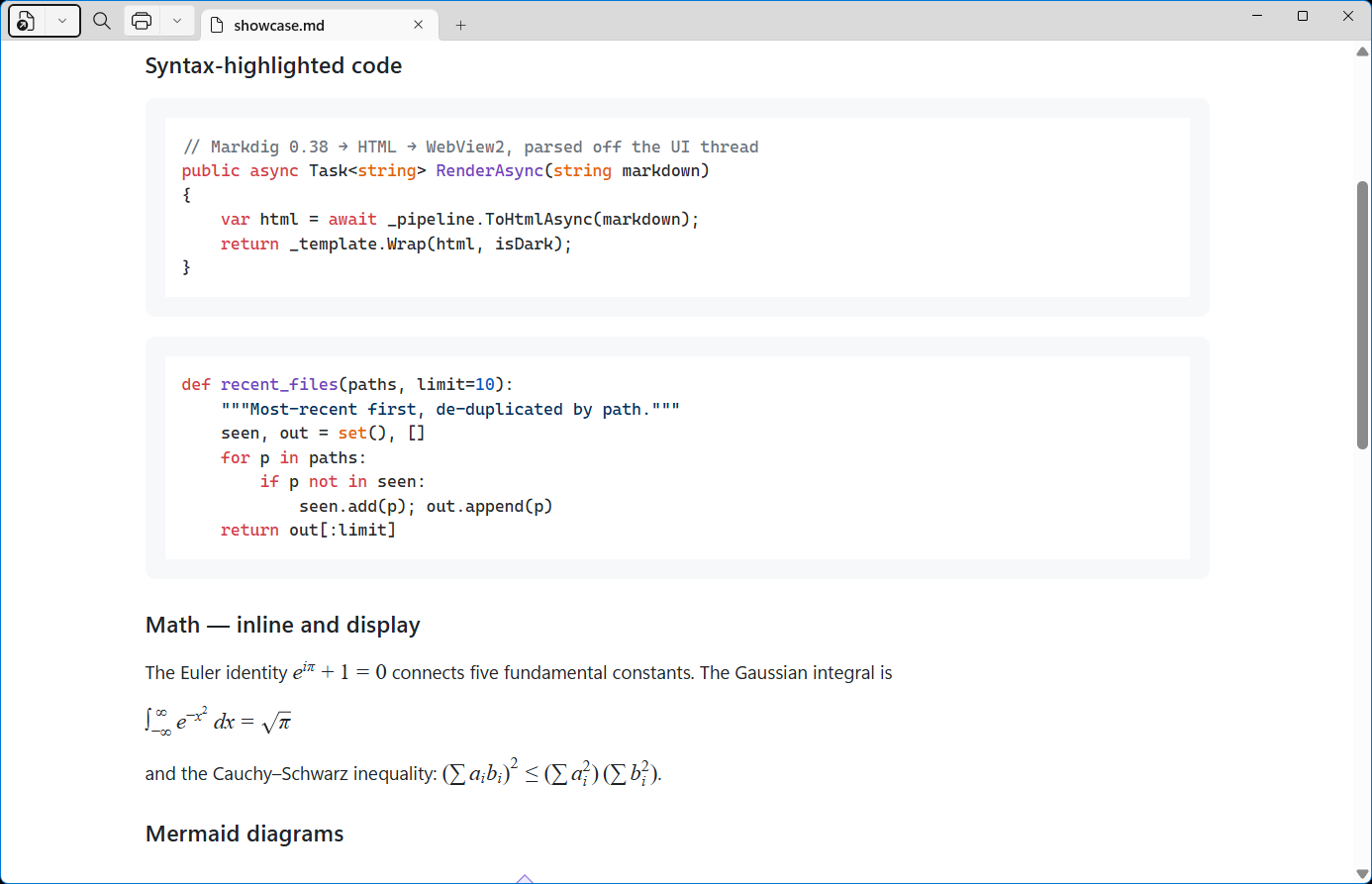
Code that reads like code.
Syntax highlighting is bundled and runs entirely on your PC.
02 · Mathematics
Real math, fully offline.
Inline and display mathematics render locally with KaTeX.
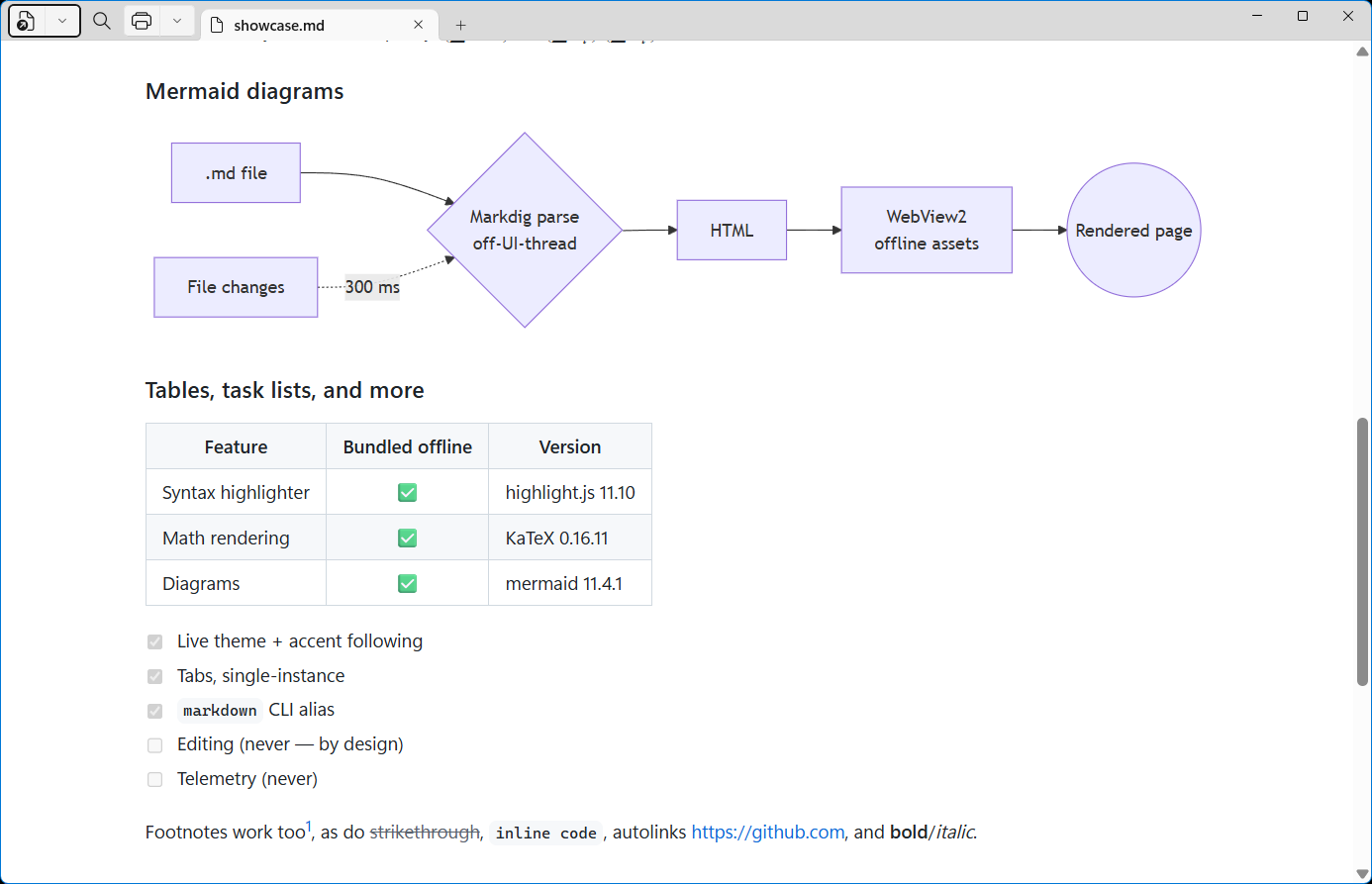
03 · Diagrams
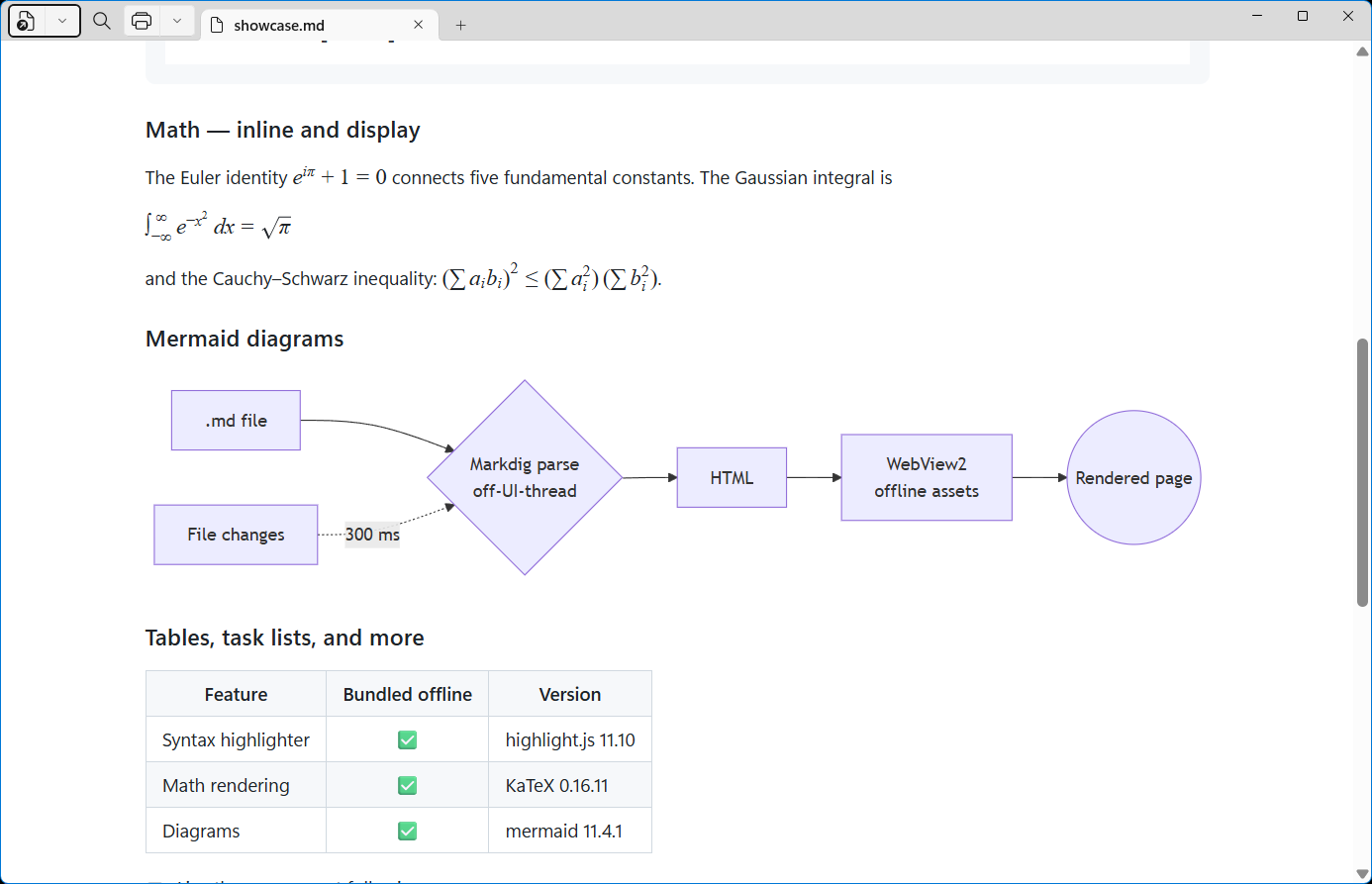
Diagrams included.
Mermaid diagrams become crisp, readable visuals without a network call.
Built for actual reading
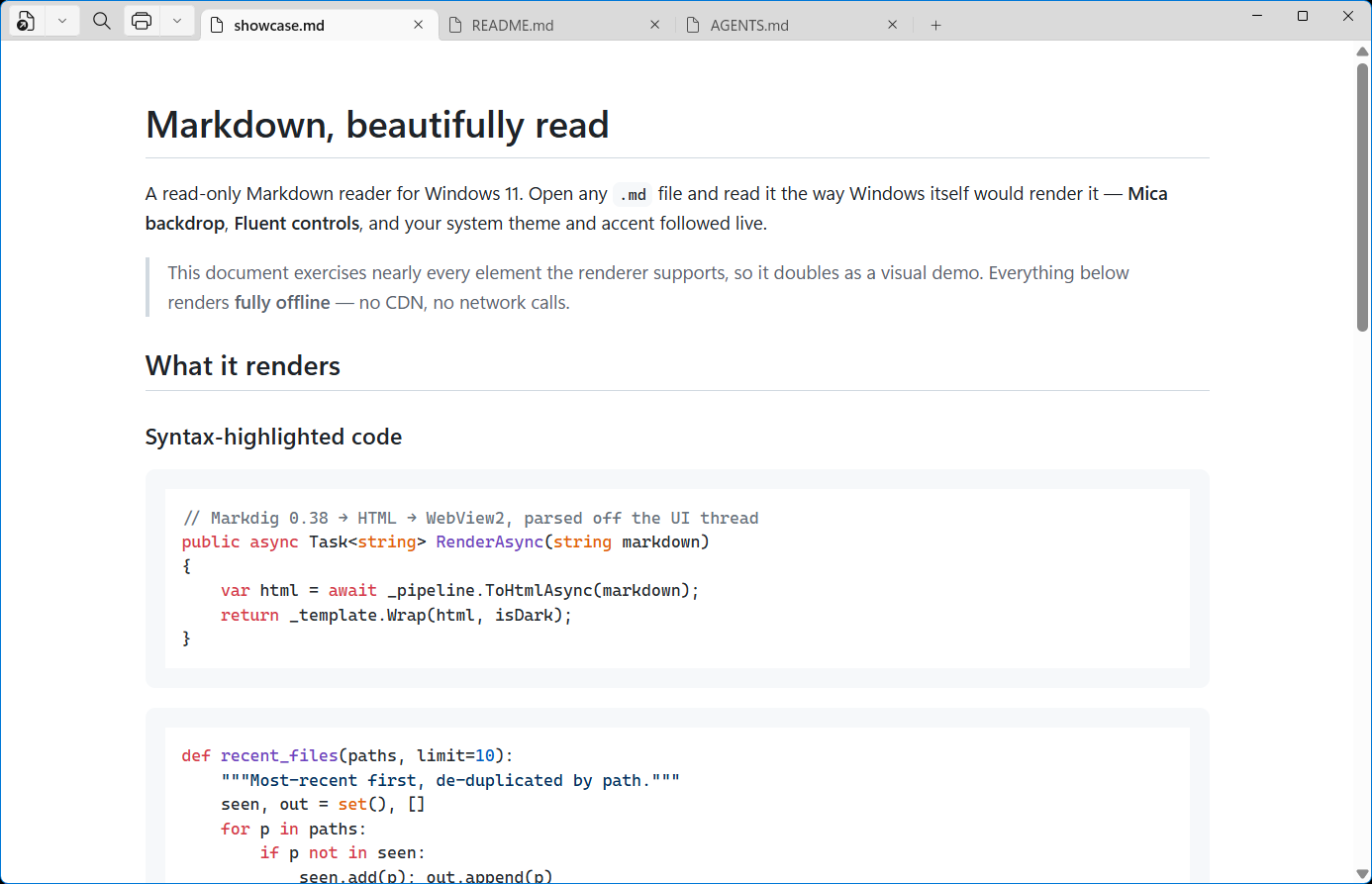
Open one file—or keep a whole project in tabs.
Double-click a Markdown file, reopen recent documents, follow live edits, search within the page, then print or export to PDF and self-contained HTML. Njamr stays focused on the document from start to finish.
- Live reload with scroll position preserved
- Light and dark themes follow Windows automatically
- Works offline—even behind a firewall or on a plane
Njamr
Not Just Another Markdown Reader.
A purpose-built reader for the files you already have.
Get Njamr from Microsoft Store7-day free trial · US$6.99 one-time